Your Lab Is the Only Room Where Every Student Types

The computer lab's defensible mission after a 1-to-1 rollout is systematic keyboarding instruction, because the lab is the only scheduled block where every student in a grade sits at a full keyboard with a teacher watching their hands. Devices are everywhere now. Instruction in using them is not.
TL;DR: Handing every child a device removed the lab's old justification and left its best one untouched. Roughly 96 percent of public schools were issuing devices by fall 2021, yet only 62 percent of leaders say keyboarding is taught in K-2. Fourth graders on the 2012 NAEP computer pilot averaged about 12 words per minute. The lab teacher who claims keyboarding as a scope and sequence owns the one skill every other subject now assumes.
It is 9:40 on a Tuesday and the schedule is still yours
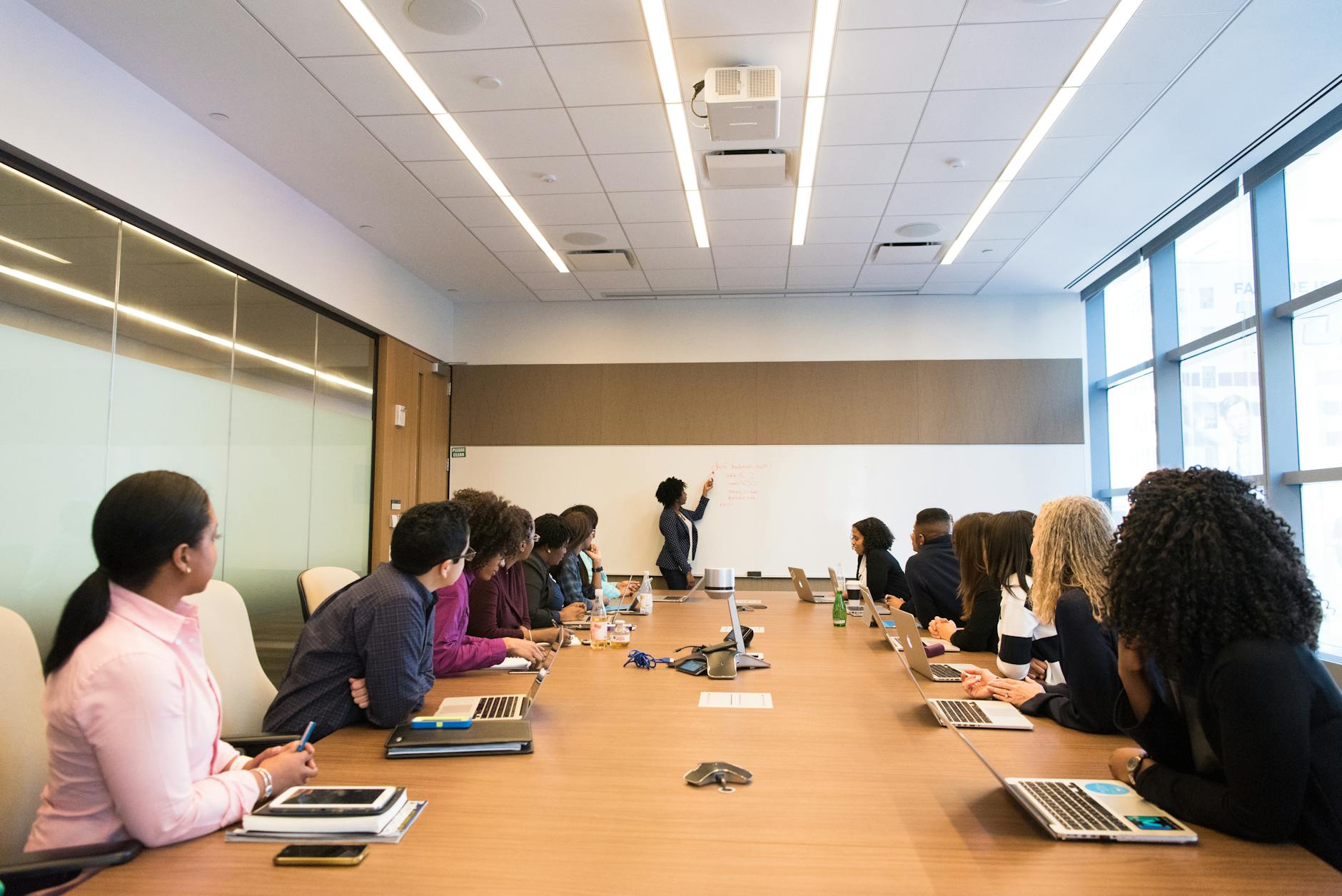
Twenty-six fifth graders come through the door, sit down at machines with real keyboards, and for forty minutes nobody in the building can take that time from you. That is rarer than it was. By the start of the 2021-22 school year, 96 percent of public schools reported providing digital devices to students who needed them, up from 23 percent before the pandemic, and once every child had a laptop the lab lost the argument it had been making since 1998.
What the rollout did not produce was instruction. An EdWeek Research Center survey of school and district leaders found 69 percent saying keyboarding is taught somewhere in their school or district, and 62 percent saying so for K-2, which means roughly a third of leaders cannot point to it in the early grades at all. The devices arrived on a district contract and the teaching never arrived at all.
The standards name your job and then look away
Common Core mentions keyboarding twice in the writing strand. Grade 3's W.3.6 asks students to publish writing "using keyboarding skills" and attaches no measure to it. W.4.6 at grade 4 is the first checkable expectation in the whole document: enough command of keyboarding "to type a minimum of one page in a single sitting."
Do not reach for ISTE to fill the gap. The 2024 ISTE Standards for Students contain no keyboarding or typing language anywhere; the closest indicator, 1.1.d, expects students to understand how technology works and to use current technologies effectively. That is a presumption that the student can already operate the machine, not a requirement that somebody teach them to. Bring that to your principal accurately, because the first person who checks will find what is actually there. The standard names the skill in grade 3, makes it measurable in grade 4, and never says whose class it belongs in, which is the opening your room is sitting in.
What a fourth grader actually types
The number worth putting in front of an administrator comes from the 2012 NAEP computer-based writing pilot: fourth graders averaged about 12 words per minute compared with 30 at grade 8, and produced around 110 words on computer against roughly 159 on the paper assessment. Twelve words a minute is a sentence every ninety seconds. Everything a child wants to say has to survive that.
Against that, the working targets districts publish are modest and reachable. Wisconsin's education department gives the practitioner convention as 5 words per minute times grade level. Arlington ISD publishes a fuller ladder.
| Grade | Published target | Accuracy |
|---|---|---|
| 2 | 5 WPM | 80-100% |
| 3 | 15 WPM | 80-100% |
| 4 | 20 WPM | 80-100% |
| 5 | 25 WPM | 80-100% |
| 9-12 | 50 WPM | 80-100% |
Those are conventions rather than validated cut scores, and you should say so when you present them. No national benchmark for student typing speed exists. A grade-level distribution from your own lab, gathered twice a year, is better evidence than any number a vendor hands you.
The schedule argument only you can make, including the part that hurts
Forty minutes a week across 36 weeks is 24 hours a year, which sounds like plenty until you watch a class spend the first six minutes logging in. Keyboarding responds to short, frequent practice rather than one long weekly session, so a lab block on its own will not build fluency. That is the honest limit of the room, and pretending otherwise is how these programs lose credibility in year two.
The version that works splits the work. Your block carries instruction, technique correction and the twice-yearly baseline. A 10-minute routine four days a week in the homeroom carries the practice volume, on the devices already in those rooms. You write that routine, you train the grade team on it in one staff meeting, and you read the data. Claim the instruction and hand out the practice, or you will be defending forty minutes a week against a reading interventionist who wants them.
The strongest case against your room
Here is the argument I would make if I wanted your block back. Pull-out instruction transfers badly. A child who types with correct technique in the lab reverts to two fingers in the classroom twenty minutes later, because nobody there is watching, and skills that are not reinforced where they are used do not stick. Give the minutes to classroom teachers and the practice happens where the writing happens.
That objection is right about transfer and wrong about capacity. The classroom teacher who owns it has no scope and sequence, no diagnostic time, and eleven other initiatives this year, which is why the same survey finds keyboarding missing from a third of K-2 programs. The comparison of who should staff K-2 typing lays the three staffing models side by side and reaches a similar place: ownership is the variable that decides outcomes. Split it. Lab teaches, classroom reinforces, one person owns the data, and that person should be you.
What AI readiness asks of the room
The Education Department's Office of Educational Technology published its 71-page report on Artificial Intelligence and the Future of Teaching and Learning in May 2023, and every district AI conversation since has been about outputs: detection, policy, academic honesty. Almost none of it is about input. A student who types 12 words per minute writes about 60 words in a five-minute window, which is one prompt and no revision. The gap between a class that can iterate with a tool and a class that cannot is largely a keyboard gap, and I have not seen a study that quantifies it, so take that as an argument rather than a finding.
What your room needs to deliver it is unglamorous: a sequence, per-student data, and something for the students who are already at 40 WPM. Meta Typing Club supplies more than 2,400 structured lessons, reports words per minute and accuracy per student, and lets you assign homework with an optional due date to a class or to named students, in English and in multiple international languages, which matters if your newcomer families read a different script at home. There is no rostering integration, so you create the accounts yourself, and no child email address is required.
Key takeaways
- 96 percent of public schools were providing digital devices by fall 2021, against 23 percent before the pandemic, so device access is no longer the lab's reason to exist.
- 69 percent of leaders say keyboarding is taught somewhere in their district, but only 62 percent say it is taught in K-2.
- Fourth graders averaged about 12 words per minute on the 2012 NAEP computer writing pilot, and 110 words per response against 159 on paper.
- Common Core names keyboarding at W.3.6 and makes it measurable at W.4.6, one page in a single sitting; ISTE contains no keyboarding language at all.
- Published grade targets run from 5 WPM in grade 2 to 50 WPM in high school at 80-100 percent accuracy, and they are conventions, not validated cut scores.
- A 40-minute weekly block is 24 hours a year and is not enough on its own; pair it with 10 minutes a day, four days a week, in homerooms.
- Learners practicing daily gain roughly 10 words per minute a month across our whole user base, which is the order of change a semester should produce.
Questions lab teachers ask us
How many minutes a week do I actually need?
Plan on your 40-minute block for instruction plus 40 minutes a week of distributed practice in homerooms, split into four 10-minute sessions. The block alone gives 24 hours a year, which builds technique but not fluency. The split roughly doubles practice volume without taking another period from anyone's schedule.
What do I do with the kid who already types 45 words per minute?
Move them off speed drills and onto accuracy under load: longer passages, punctuation, numbers, and composing rather than copying. A student at 45 WPM with 88 percent accuracy is making an error every eight words, and cleaning that up is a semester of real work that keeps them out of the beginner sequence.
How do I prove this is worth the schedule to my principal?
Bring a distribution, not an average. Baseline every student in grades 3 to 5 in one week, show the spread against the published grade targets, and name how many students fall under W.4.6's one-page expectation. A chart of your own students beats any national statistic in that meeting.
What does the software cost my school?
A school can start on School Free (3 teachers, 3 classes, up to 9 students per class), and School Plus is USD 250 a year and School Pro USD 500 a year, so take those figures to whoever holds the building budget. If you want to look at it yourself first, an independent teacher on their own account pays nothing and has no student limit, which is still an evaluation and not a pilot.
Can I start next week without waiting for the district?
Start the instruction, not the software. Technique, sequence and baseline are yours to run on Monday. The moment your students' records go onto any platform, that is school use and it goes through your district's data privacy agreement first, free or not, and that review runs on the district's calendar rather than yours.
Put this in front of your principal in October
Baseline three grade levels, print the distribution, and ask for the keyboarding scope and sequence to be assigned to your room in writing. That single line in a school improvement plan is what turns a specials rotation into a program that survives the next budget cycle. Start from the keyboarding benchmarks a district can defend, use the grade-level typing lessons for the sequence itself, and see what a K-2 walkthrough reveals before grade-3 typed tests for the evidence your principal will want next.